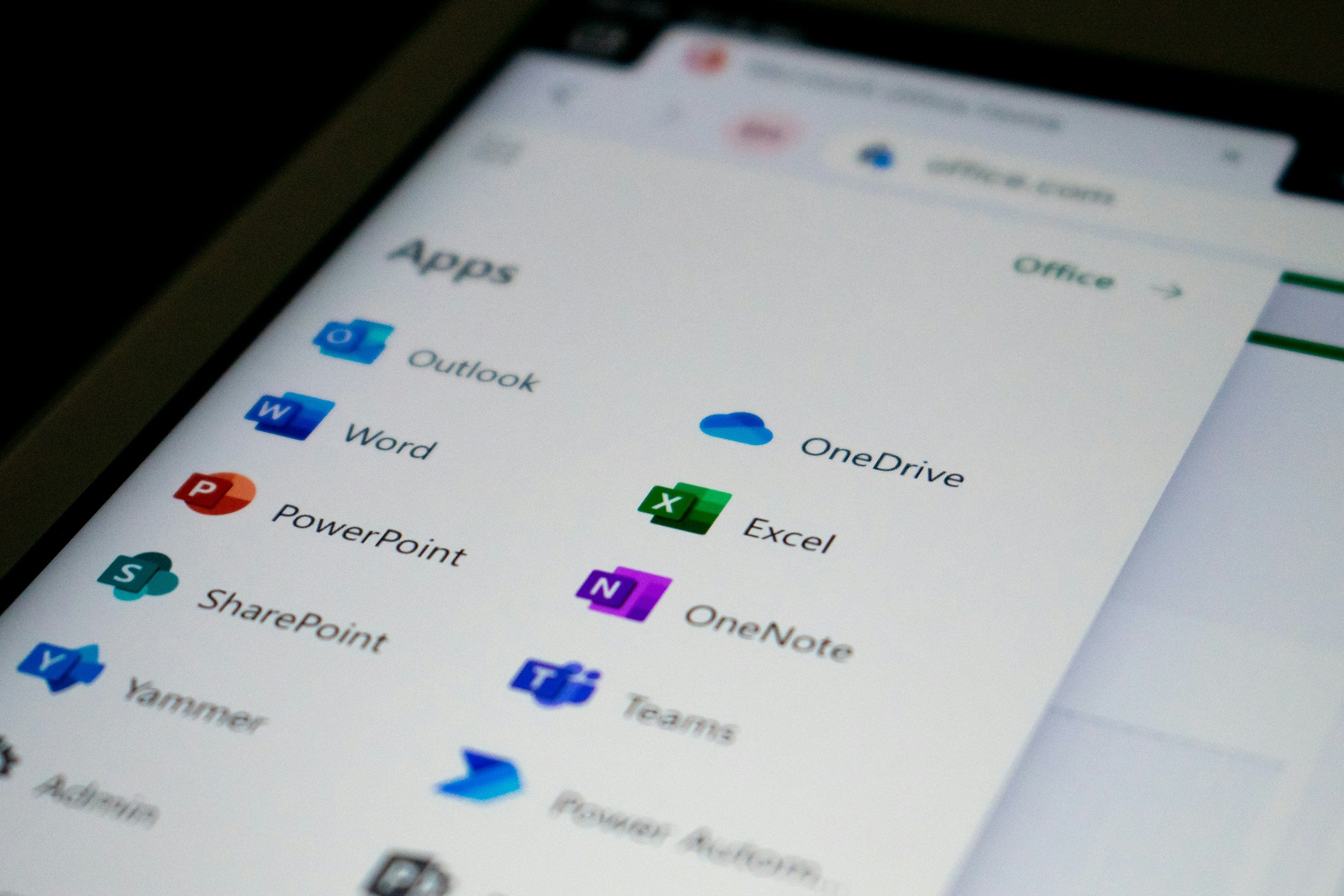
Having trouble opening Outlook? You’re not alone. Microsoft has been dealing with a disruption affecting Outlook and other services connected to Exchange Online. The issue began on Thursday, 12 November, and was still impacting some people on Friday, 13 November.
Here are a few things to try while Microsoft works on it:
• Check Microsoft’s status page. It currently says consumer products are operational. If this is your work or school account, your IT team can check your organisation’s Microsoft 365 service updates in the admin centre.
• Look for email already saved on your device. Outlook may still show messages it downloaded before the disruption. You can draft a reply, too, but it won’t send until the service is back.
• Use another way to reach someone if it’s urgent. A phone call, text, or approved messaging app may be your best bet for now. If you use a personal email account, check your organisation’s rules before sending any work information.
• Give it a little time before changing your settings. Removing your account or rebuilding your Outlook profile is unlikely to fix a wider outage. It could also make saved messages harder to access.
Once service is restored, check your inbox and Outbox again. Some messages may arrive late, and if you’re waiting on something important, you can ask the sender to confirm or get in touch another way.
For updates, keep an eye on Microsoft’s service health page or ask your IT team. Availability may come back at different times for different accounts.